


Brainrot Puzzle
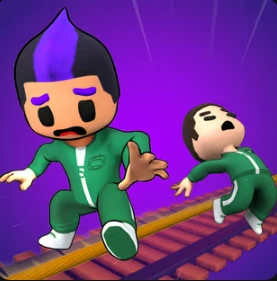
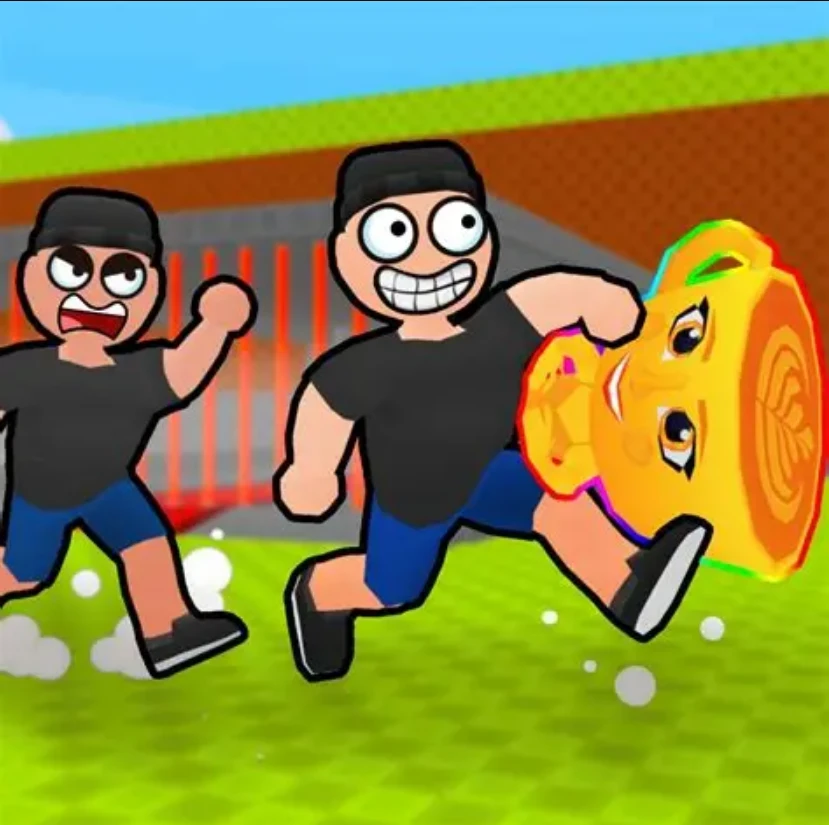
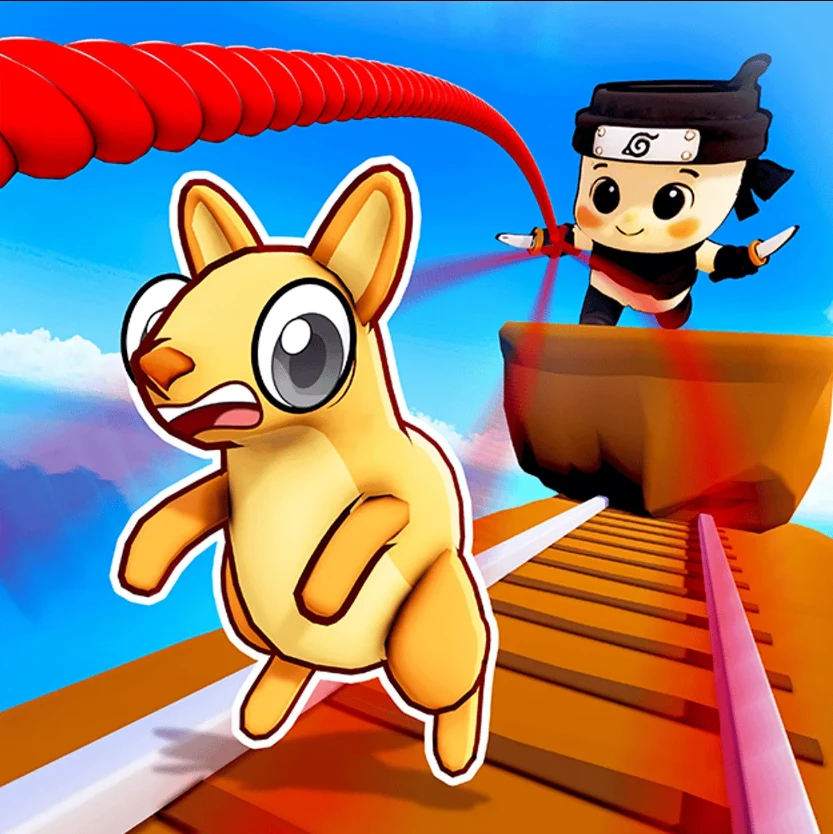
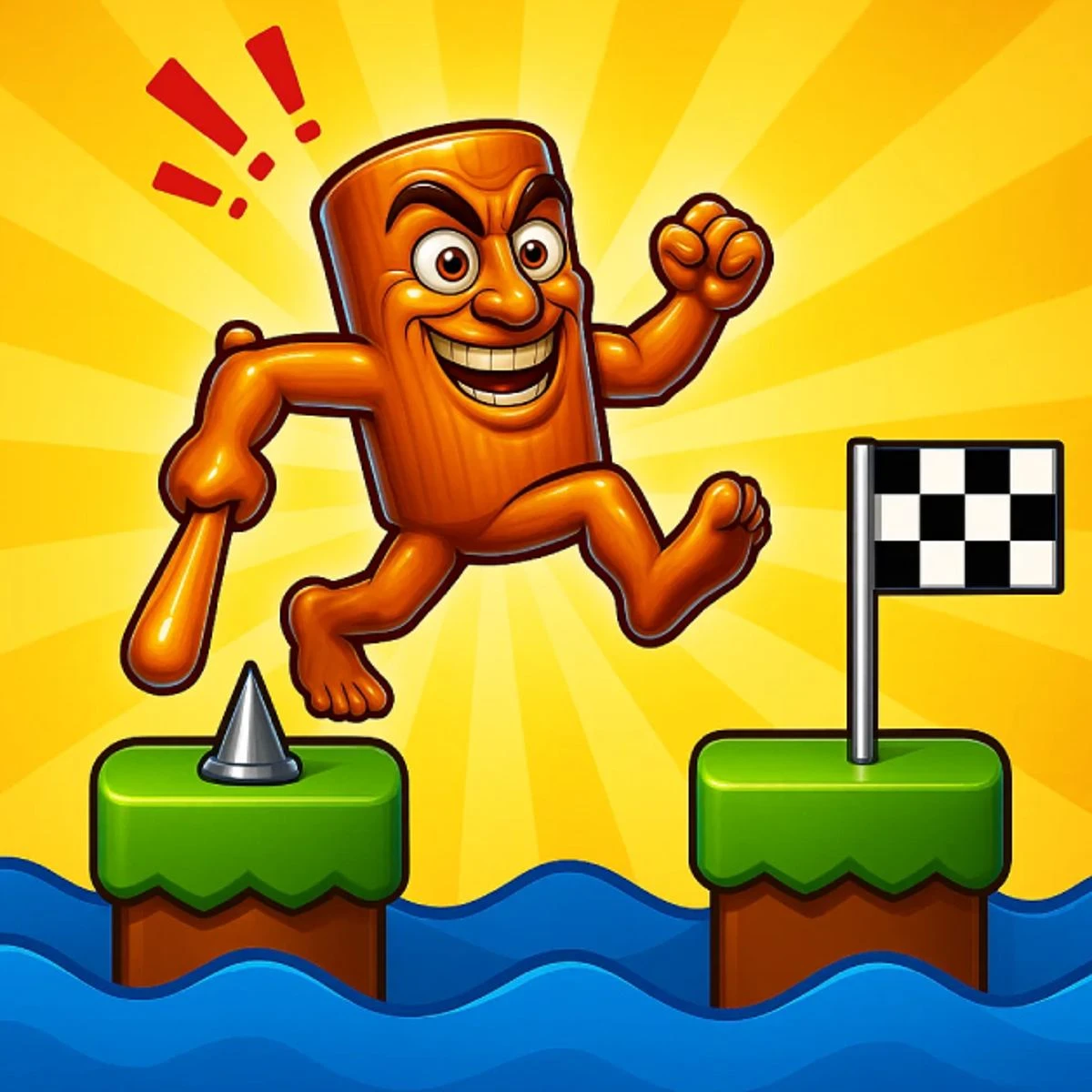
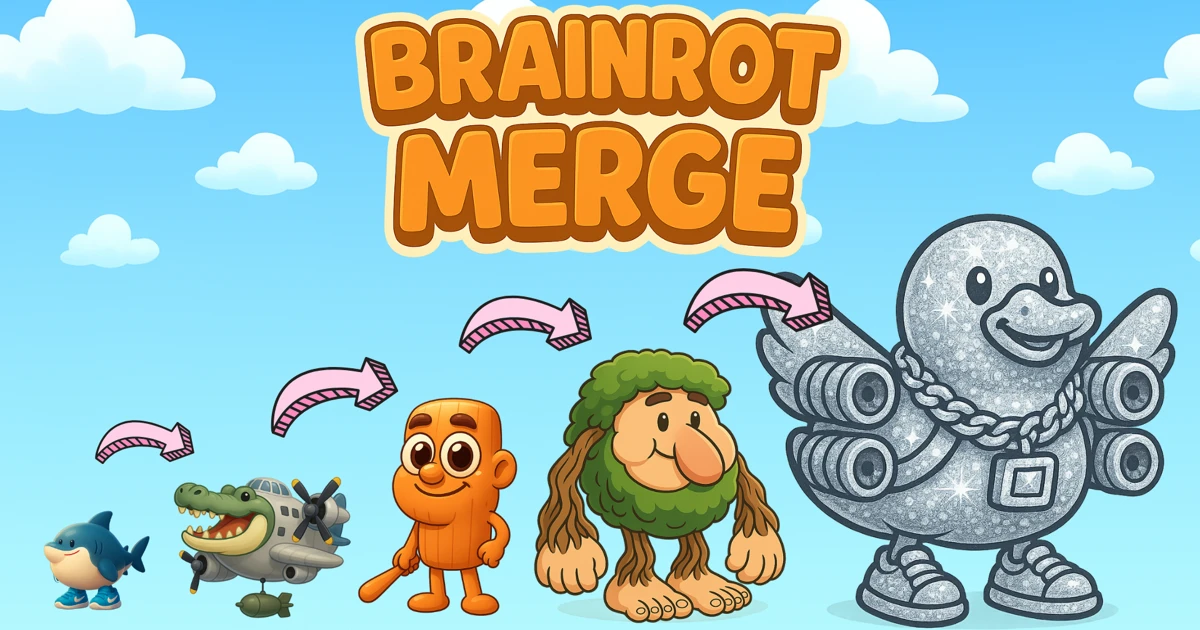
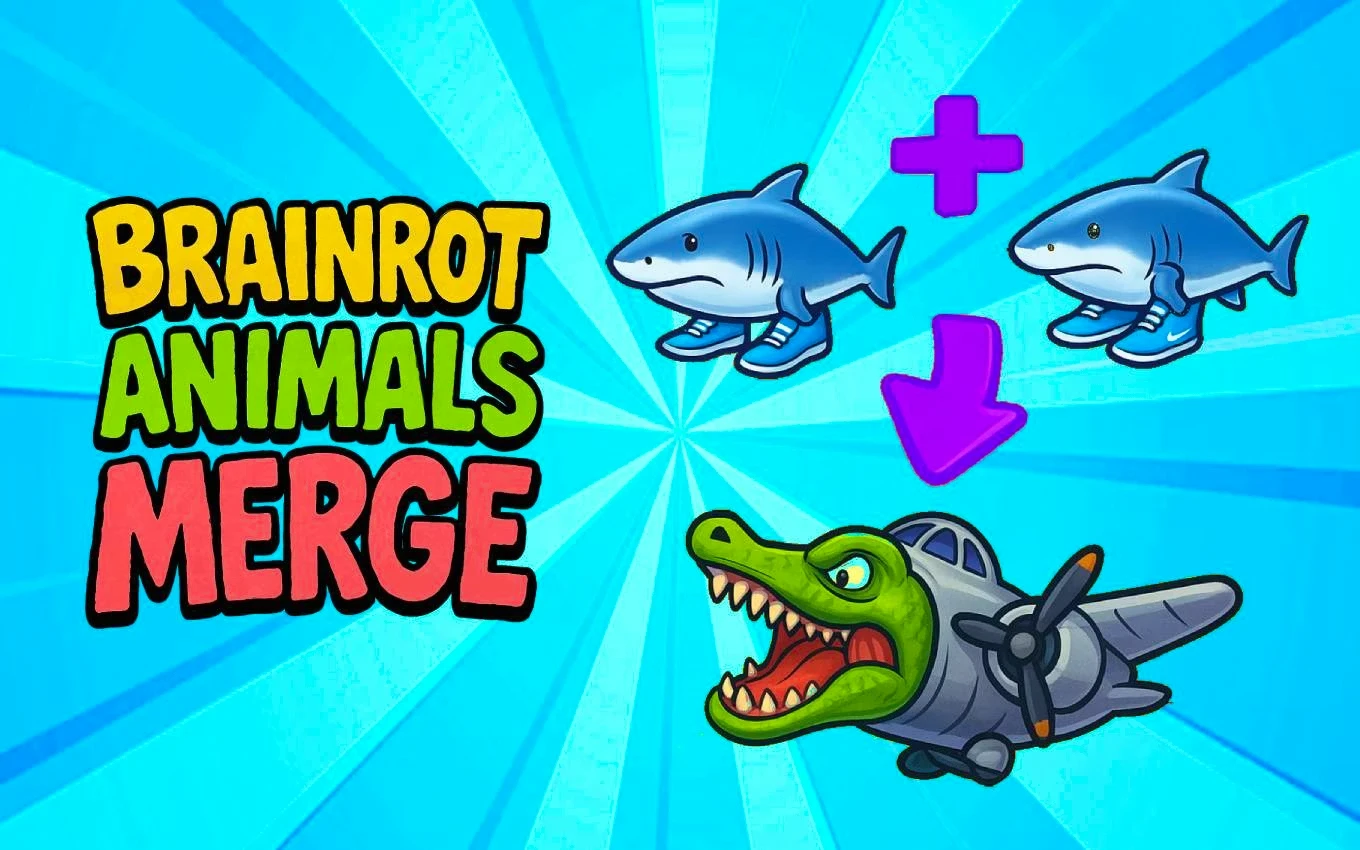
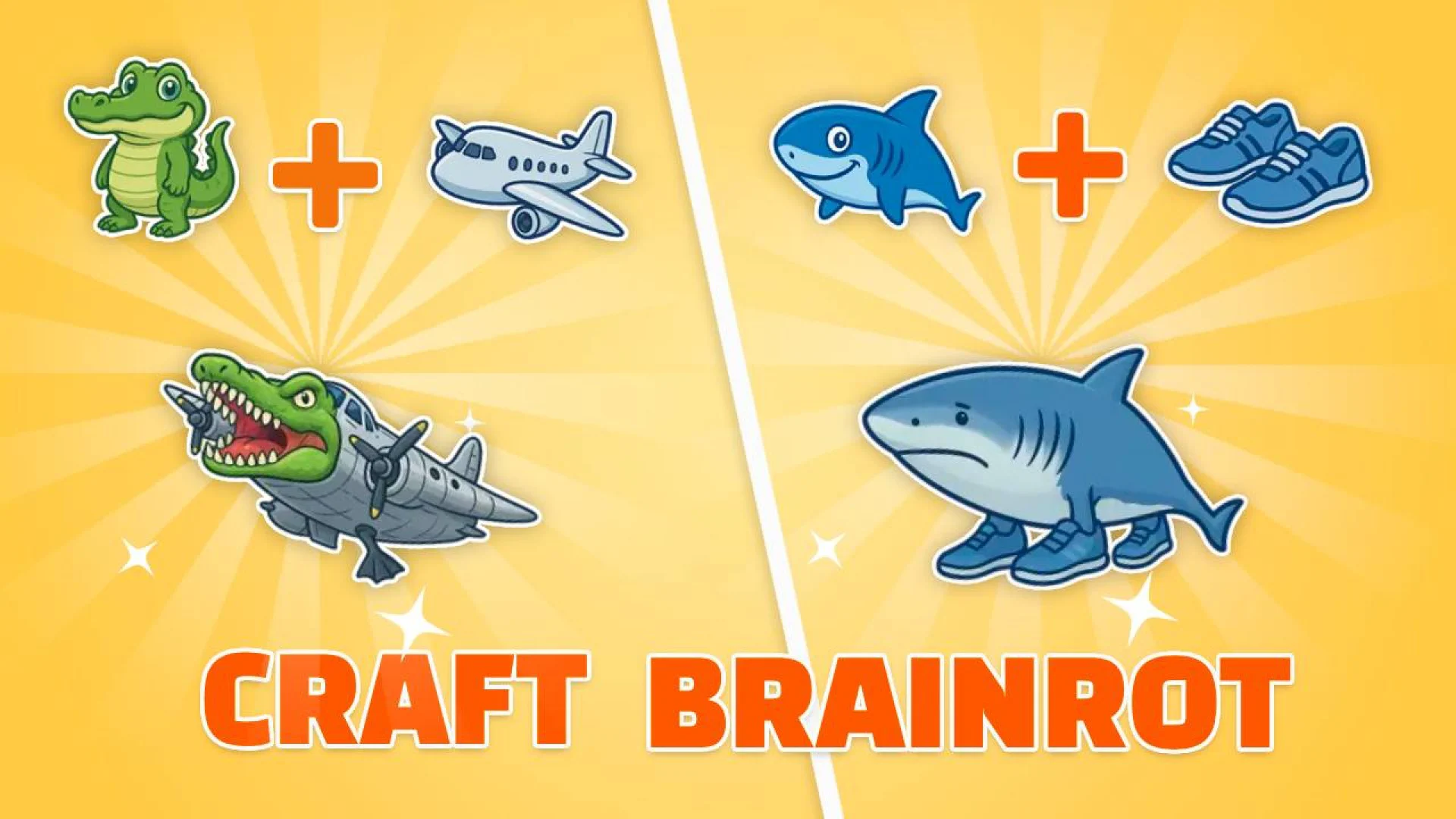
Brainrot Puzzle takes you into a world filled with laughter, where weird memes turn into creative puzzle challenges. With a unique and humorous style, this game brings together 15 funny pictures, and every image tells a fun story — from absurd characters to surprising circumstances. No downloads, no fees, just open your browser and start piecing together the meme madness.
What is Brainrot Puzzle?
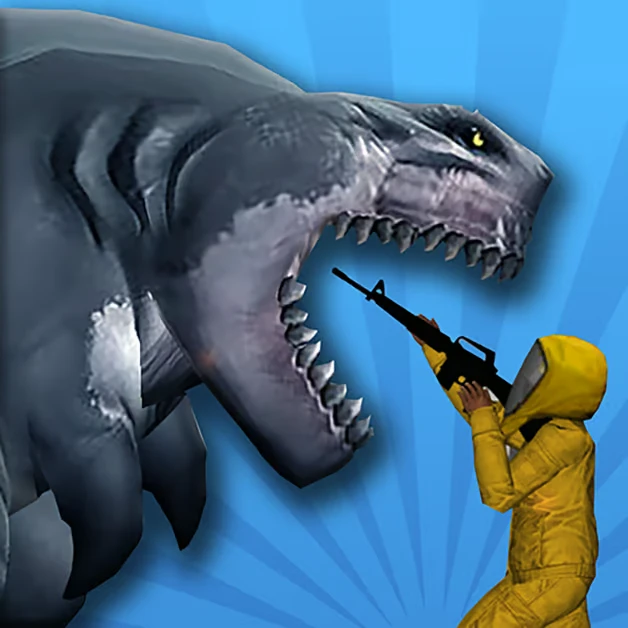
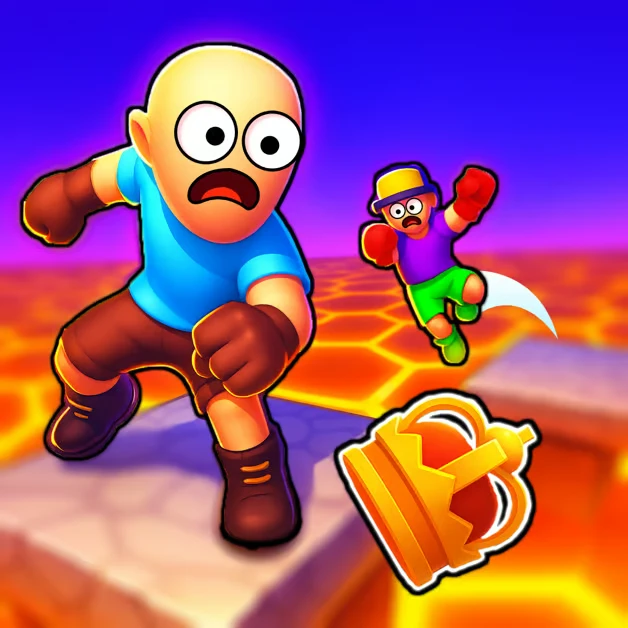
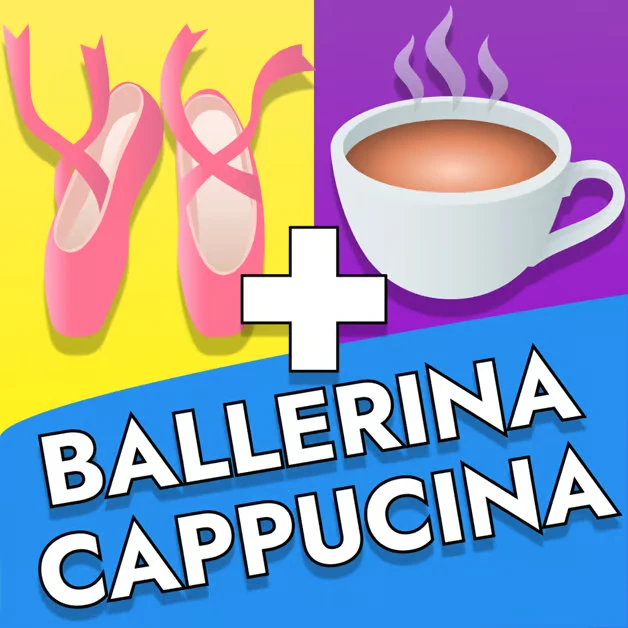
Brainrot Puzzle is a drag-and-drop browser puzzle game that transforms popular internet memes into customizable jigsaw challenges. Each of the 15 hand-picked images features a distinct humorous scene, from goofy characters caught in ridiculous acts to unexpected visual gags that reward you with a laugh the moment the final piece clicks into place.
What makes Brainrot Puzzle stand out is the flexible difficulty system built around four piece counts — 16, 36, 64, and 100 pieces — so the same image can be a casual three-minute break or a focused half-hour challenge. The game adapts to your mood, not the other way around, and the layered reward system gives every session a reason to keep going.
The visual style is bold, colorful, and unapologetically silly — each puzzle image pops with the chaotic energy of meme culture, and completing a picture triggers a playful sound effect that makes the win feel genuinely satisfying. Brainrot Puzzle captures the spirit of sharing a funny image with friends and wraps it in a game that is as easy to pick up as it is hard to put down.
How to Play Brainrot Puzzle
Brainrot Puzzle uses a simple drag-and-drop control scheme that works smoothly on both desktop and mobile. The real challenge lies in choosing the right difficulty for your session and developing the visual recognition skills to piece together the meme faster each time.
Step-by-Step Guide
- Browse the gallery of 15 funny pictures and pick one that catches your eye — each image tells a unique meme story
- Select your difficulty level: 16 pieces for a quick laugh, 36 pieces for a casual session, 64 pieces for a real challenge, or 100 pieces to test your patience
- The image will be scrambled into the chosen number of pieces and scattered across the board
- Drag and drop the pieces into their correct positions — start with corner and edge pieces to build the frame first
- Group pieces by color and pattern to work through the interior sections more efficiently
- Watch the meme come to life as each piece locks into place
- Once completed, enjoy the entertainingly sound effect and take a screenshot to share with friends
Controls at a glance:
- Select piece: Click or tap on any scattered piece
- Move piece: Drag the piece to its target position on the board
- Place piece: Release the piece over the correct spot to lock it in
- Rotate piece: Right-click or use the rotate button (if available on your device)
- Mobile: Tap to select, drag with your finger to position, and release to place
Frequently Asked Questions (FAQ)
- Is Brainrot Puzzle free to play?
- Yes, Brainrot Puzzle is completely free. All 15 images, all four difficulty levels, and all special rewards are available without any payment or in-app purchases.
- Can I play Brainrot Puzzle on my phone or tablet?
- Yes. Brainrot Puzzle is fully compatible with smartphones and tablets through touch-based drag-and-drop controls. It runs directly in your mobile browser with no installation required. Both portrait and landscape modes work well for puzzle solving.
- How many difficulty levels does Brainrot Puzzle have?
- Brainrot Puzzle offers four difficulty levels: Very Easy with 16 pieces, Easy with 36 pieces, Medium with 64 pieces, and Hard with 100 pieces. Each level offers a different estimated completion time and a unique special reward, from fun sound effects to exclusive meme unlocks.
- What rewards can I earn in Brainrot Puzzle?
- Each difficulty level has its own reward tier. Completing a 16-piece puzzle gives you a fun sound effect. Finishing a 36-piece puzzle unlocks a hidden image. The 64-piece level awards bonus points and a small badge, while conquering the 100-piece Hard mode grants an exclusive meme and a big bonus.
- What is the best strategy for completing puzzles faster?
- Start by identifying and placing all corner and edge pieces to build the frame. Then sort the remaining pieces by dominant color or pattern. Work on one distinct area at a time rather than jumping around the image. For harder difficulties like 64 or 100 pieces, take advantage of the larger piece count by grouping similar-colored pieces together before attempting placement.
Summary
Brainrot Puzzle successfully transforms the absurd humor of internet memes into a genuinely engaging puzzle experience that anyone can enjoy. The four-tier difficulty system means the game grows with you — whether you are after a quick three-minute laugh with 16 pieces or a focused 30-minute challenge with 100 pieces, there is always a session that fits your time and mood.
No downloads, no fees, and no waiting — just open your browser, pick a funny picture, and start dragging. Complete the puzzle, enjoy the sound effect, and send a screenshot to your friends for a shared laugh. Brainrot Puzzle is the perfect way to spread the meme fun, one piece at a time.
Discussion